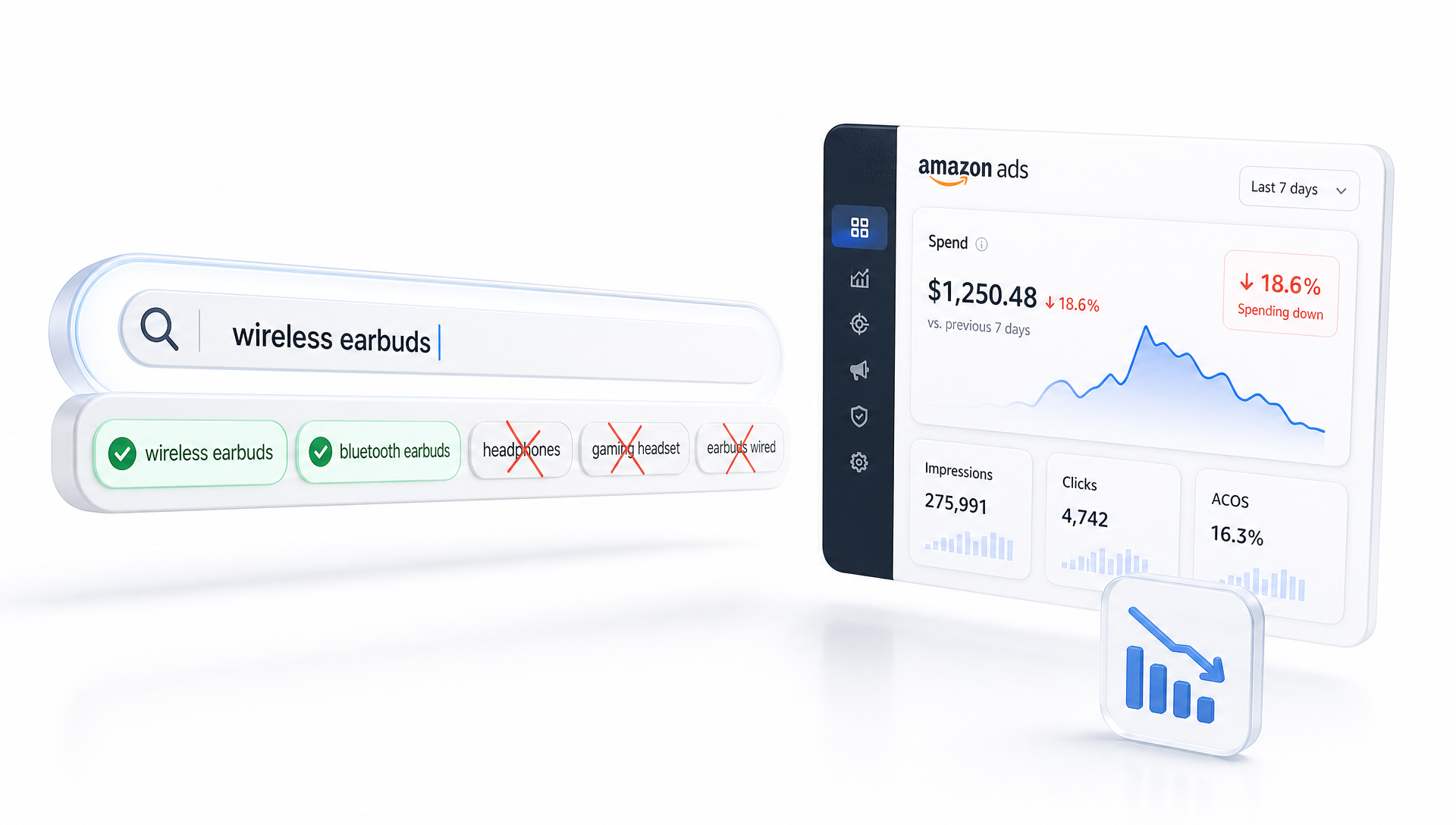
You can pour thousands into Sponsored Products and still feel like your Amazon ads are running on autopilot, burning cash on shoppers who will never buy. The simplest fix most advertisers overlook is tightening your Amazon negative keywords so your budget only fuels searches that can actually convert.
Dialing in the right blocks isn’t guesswork. With a clear process, you can quickly see where your spend is bleeding, stop paying for junk clicks, and push that saved budget into search terms that reliably drive sales.
Why negative keywords are the fastest lever for profit
Cutting wasted spend is a lot faster than trying to scale winners from scratch, and that’s exactly what smart Amazon negative keywords do for you. Instead of only chasing more impressions, you’re refining which shoppers are allowed to see your ads in the first place.
Most campaigns bleed money on two types of traffic: people who want something totally different from what you sell, and people who are just browsing with low intent. A tight Amazon PPC negative keywords list quietly filters both out so your bids fight only for traffic with a real shot at buying.
The three levels of negative keywords most sellers miss
Negative keywords are more than a random list of words you don’t like. A solid negative keyword strategy works at three levels: which campaigns show, which ad groups show, and which individual terms you’ll never pay for again.
Once you understand those layers, you can decide whether a term should be blocked everywhere, only blocked for one product line, or only blocked where you’re testing broader Amazon keyword targeting for discovery.
Account-level thinking: themes you should never match
Start by listing themes that should never trigger your ads, no matter the campaign. If you sell premium items, that probably includes discount-driven phrases like “free,” “cheap,” or “template” that will never match your price point or offer.
These high-level blocks support Amazon ad spend optimization because they protect every campaign from obvious mismatches before you even look at search term reports.
Campaign-level negatives: protect your strategy and budget
The next layer is campaign-level blocks, where you control which types of searches fit the specific role of each setup. Suppose one campaign is built only for high-intent branded searches; you’d exclude generic queries there to keep its purpose clean.
This type of Amazon campaign optimization avoids internal competition, so your discovery campaigns can handle broad exploration while your tight, conversion-focused campaigns remain laser targeted.
Ad group and term-level negatives: precision tuning
The final layer is term-level exclusions inside specific ad groups where you see clear money-wasting patterns. If a broad match keyword keeps matching to irrelevant colors or sizes you don’t carry, block those variations there.
This is where detailed Amazon PPC management comes in, as you review search term performance and turn poor matches into negatives while preserving reach where the numbers look promising.
How to find the right Amazon negative keywords in your data
Guessing which words to block usually leads to missed opportunities or overblocking. Instead, you want a repeatable review process that starts with data, not opinions.
Most sellers should expect to comb through their search term reports at least weekly during heavy testing, and biweekly once their structure and bidding stabilize a bit.
Mine your search term reports like a pro
Begin with a 30–60 day window, depending on your traffic volume, and sort search terms by spend. Work top-down, asking one question of every line: “Would I be happy if this search triggered my ad tomorrow at the same cost?”
As you go, you’ll spot the same patterns across Amazon Sponsored Products keywords, like repeated unrelated use cases or shoppers looking for formats you don’t actually sell.
Know the metrics that scream “make this a negative”
Some thresholds will vary by category, but there are consistent red flags. High spend with zero orders is the obvious one, especially when clicks are already past your normal conversion window.
You’ll also find terms with plenty of impressions and clicks but a terrible click-through rate, a clear sign your offer doesn’t match search intent and a great target for Amazon ad spend optimization decisions.
Practical negative keyword workflows that save money fast
Once you’ve found the bad terms, you need a workflow that turns insight into action quickly, otherwise you’re just collecting screenshots. The goal is to develop a habit you can repeat every week without overthinking it.
Most experienced advertisers keep a recurring task on their calendar to review spend thresholds, mark new negatives, and confirm their ad groups still reflect the role they were designed to play.
A simple weekly routine for tighter traffic
Here’s a straightforward cadence you can adapt:
-
Pull a search term report filtered to only the last 7–14 days.
-
Sort by spend, then scan for irrelevant themes and clear mismatches.
-
Mark terms that should be blocked everywhere, versus only in certain campaigns.
-
Update your negative lists immediately before you forget the reasoning.
Over a few weeks, this routine becomes the backbone of Amazon advertising optimization, as your campaigns steadily drop wasted spend while holding or increasing total sales.
Exact vs. phrase vs. broad: how negatives interact
It’s easy to forget that match types affect how negatives work, not just how you target new keywords. Exact match blocks only that specific search, while phrase and broad versions can stop whole clusters of related traffic.
Because of that, your Amazon PPC optimization choices should be intentional; go broad when you see a theme that’s always wrong for your product, and stay exact when you only want to stop one clearly bad variation.
Advanced tips to keep performance improving over time
Once the obvious waste is cut, small tweaks in how you use negatives can keep your account from drifting back into inefficiency. The trick is staying curious about why certain searches underperform instead of just blocking them on autopilot.
Sometimes you’ll realize a term isn’t inherently bad; it’s just a better fit for a different product or a different bid level, and that nuance matters if you run several overlapping campaigns.
Use negatives to shape your funnel, not just to block junk
You can also use negatives to guide shoppers into the right stage of your funnel. For example, a broad term might live in a top-of-funnel campaign, while the most qualified variants get moved with higher bids into a separate, more focused group.
Handled this way, negative lists become part of smart Amazon keyword targeting that pushes higher-intent searches into the structures where you can afford to be aggressive.
For branded and most profitable terms, careful use of negatives supports ongoing Amazon ad spend optimization by keeping them away from experimental campaigns that might otherwise steal impressions.
If several campaigns are targeting similar themes, you can use negatives to decide which one “owns” each slice of traffic, a subtle form of Amazon PPC management that improves stability.
As your catalog grows, keeping a shared list of product-line-specific negatives will make everyday Amazon campaign optimization much faster for you or anyone on your team.
In competitive niches, tightening negatives around weak search intents becomes a quiet but powerful form of Amazon advertising tips that your rivals often overlook while they only chase new keywords.
Putting it all together for leaner, stronger PPC
Clean, consistent use of Amazon negative keywords is one of the quickest ways to stop funding irrelevant clicks and start paying only for traffic that can actually convert. The more intentional you are with your layers of negatives, the more your data will reflect real buyer behavior instead of noise.
If you’re ready to turn those insights into steady gains, this is the moment to lock in a simple weekly review habit or plug into a tool like Insta Track Pro that makes spotting and applying smart blocks far easier, so every dollar of ad spend pushes you closer to your goals instead of slipping away unnoticed.
Leave a Reply